
Blog
Troubleshooting Common Gaming PC Issues

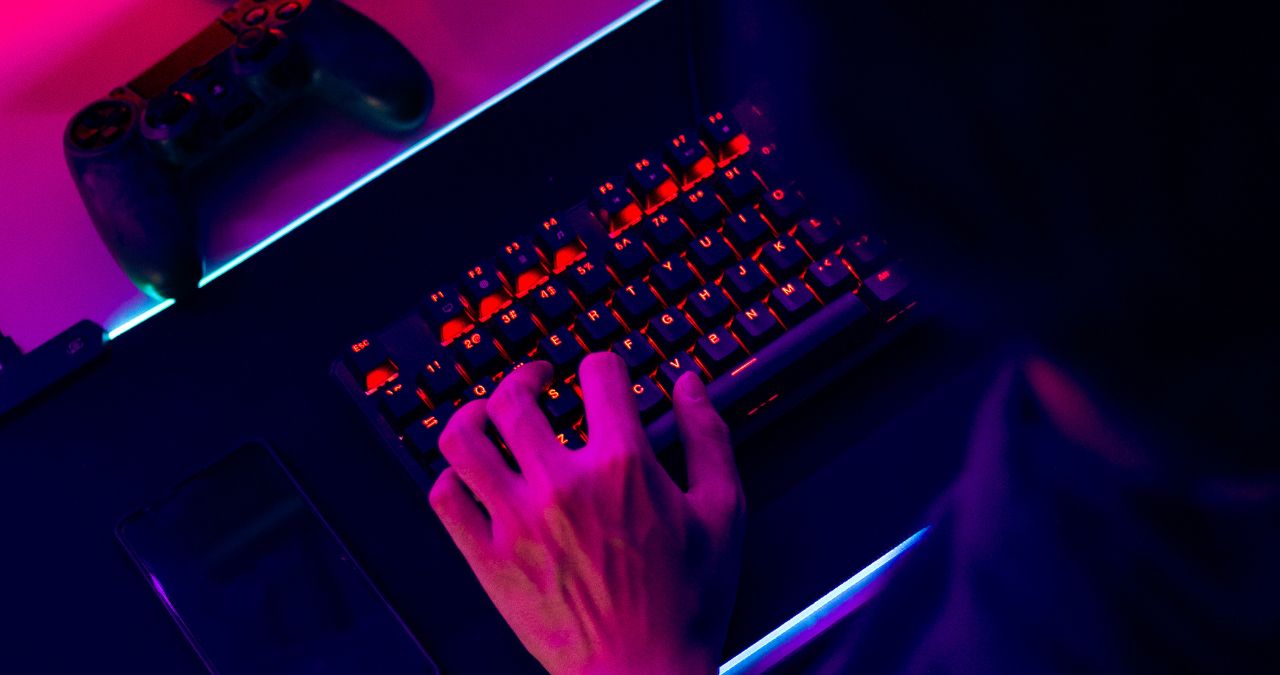
There’s nothing more exciting than playing a game on your computer. PC games provide much more flexibility and freedom than console games, which means that you can do a whole lot more (and the graphics tend to be better, too). However, despite the benefits, PC gaming isn’t infallible and can come with its own set of issues.
Since a PC is usually more complex and because it does not contain the standardized components that consoles do, glitches in graphics, performance issues, lagging, and other problems can occur.
Troubleshooting Common Gaming PC Issues
The majority of the PC gaming woes that you’ll encounter will fit into a few classifications. Below, we’ll take a look at these categories and offer solutions you can use to solve the problem.
Serious Lagging
Lagging occurs when there’s a delay between carrying out an action on a game and your server’s reaction to that action. Have you ever shot directly at your enemy only to find that he was able to run right through the bullets unscathed? If so, then you’ve experienced lagging.
Generally, the quality of your internet connection will indicate the amount of lag you will experience while playing. If you experience a lag in the middle of gameplay, shut down any tasks that are running on your network that are using a lot of bandwidth. Also, if you’re downloading anything or streaming videos, stop. While you’re at it, check to make sure that you aren’t running any torrents.
Glitches in graphics and visual artifacts
“Artifact” is the term that is used to describe any serious distortion of your visual media. When it comes to video games, this problem can manifest with all kinds of graphical issues; oddly shaped or totally missing geometrics, wonky elements, or flickering textures, for instance.
These issues are usually connected to the GPU, as the video card is the element that processes visuals and sends them to your PC’s screen. To alleviate this problem, make sure that your graphics card is current.
If the issue persists, you may need to reinstall your GPU drivers. If glitches continue to be an issue, a heat problem could be to blame. Clean your PC, as dust may be trapped in the vents. Dust can block airflow and cause the video card (as well as other components) to overheat. Ensure there’s enough ventilation, too.
Freezing, Stuttering, and Hanging
It’s totally frustrating when your PC games aren’t running as smoothly as they’re supposed to. If you’re experiencing sudden freezing (the game suddenly slows down and needs to play catch-up), it’s likely that there’s a bottleneck in at least one component of your system.
To correct this problem, try dropping the graphical options down to a lower setting. Doing so will make the game use fewer resources. Additionally, shut down any other programs that may be running on your computer so that they aren’t using up any RAM or CPU power. Furthermore, make sure there is some free space on your disk so that your game has enough room to breathe freely.
Gamers Omaha, Lincoln NE, & Sioux City, IA – Game Store
Gamers is now buying, selling, and trading in popular Trading Card Game (TCG) such as Pokemon, YuGiOh, and Magic the Gathering! If you have cards you want to sell or trade for games we’re your go-to place!
So stop by your local Gamers store today! We will be getting new booster packs for all of these games in the next few weeks as well!
Gamers is a video game specialty store featuring new and used games, consoles, accessories, electronics, retro games, and other related gaming products. We buy video game products so you can upgrade your collection to the items you want now. Contact us today.